
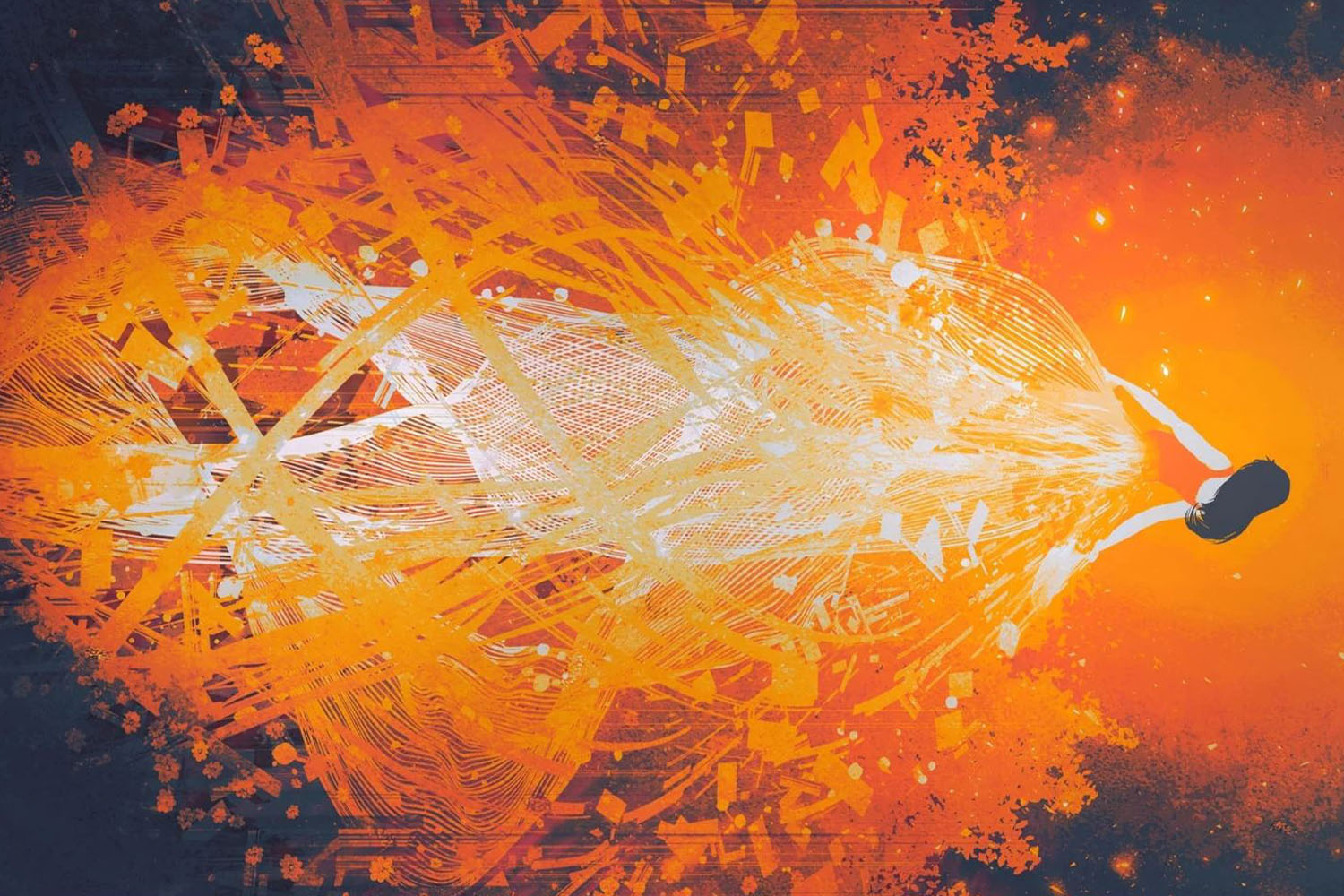

Dear friends and all artists, from today you can update your Flame Painter 3 license to the new 3.0.5 version free of charge. You can update the PS plug-in to version 1.0.1 as well.
But first of all, let us THANK YOU ALL for your fantastic support and your great feedback on the third Flame Painter version. We need to admit that in this latest major release, we found more bugs than in any of our previous releases, mostly because we wanted to connect this version of Flame Painter with all major software and hardware which makes it more software and hardware dependent than any other version before. Direct connection with Photoshop, Copy-Paste to third-party applications, new layered PSD and SVG file formats, Wacom tablet and Leap Motion support - all of them are dependent on third-party apps and devices. Despite our beta testing, there are so many possible computer configurations, that it took us more time to find out all the specific issues. We believe that most of them are resolved now. A huge “Thanks” goes to all of you, especially for your patience.
Here are the main bug fixes and improvements we built into this update:
- Fixed Wacom tablet issues on Windows OS
- Fixed SVG export bug on some configurations
- Fixed Hi-Res renderer
- Fixed “Preferences -> Wacom -> Use pressure" switches
- File dialog shows thumbnails of .FPA files
- File dialog now correctly remembers the last opened directories
- "Collapse layers" skips invisible layers
- Drawing area was not visible on some systems (some OPEN GL cards had a problem with rendering)
- Layers panel works on Mac OS also with the system "Voice Over" activated (very rare bug :) )
Photoshop plug-in 1.0.1 update:
- Plug-in works with Photoshop CS5
- Fixed minor plug-in issues
What is more, the Hi-Res render dialog now shows the number of polygons when rendering a brushstroke. The same is for SVG export - the dialog shows the number of exported polygons. In the next version, we would like to add an approximate rendering time of a Hi-Res picture (in minutes, hours and years), so you can go for lunch meanwhile.
You can download the 3.0.5 update and PS plug-in 1.0.1 update directly from the application’s menu ("Help” –> “Update to 3.0.5”) or from our Download Page using your Flame Painter 3 registration.
We all hope you like this update - you are welcome to share your feedback with us. :)
To make your day brighter, we are sharing this impressive painted story about a woodcutter by the talented artist Devraj Baruah.
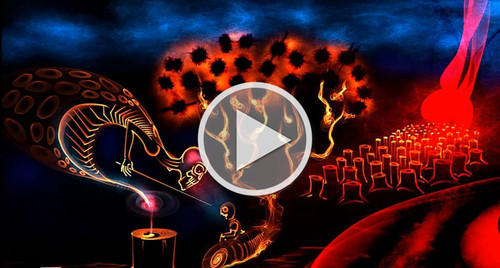
Enjoy!
Your Escape Motions Team

What do you think?
0 Responses
0
Upvote
0
Funny
0
Love
0
Surprised
0
Angry
0
Sad
Sign in to comment!
The 3.05 download page is missing the download LINK !
It only says "WINDOWS:" and the "Mac-OS: " and there is no link to click on !
Hi Steve, just enter reg. keys from v.3, and you'll get the correct download link.
It states the Photoshop plug in works with CS5. I have Photoshop 5.1 and it does not load. Is there a different download?
Hello Scott,
thank you for your message.
Please make sure you have PS Plug-in version 1.0.1 (the 1.0.0 version does not work on PS CS5). You can download it from our Download Page: https://www.escapemotions.c...
along with the ReadMe_Now file (a manual of how to install and use the plug-in).
In case you have 1.0.1 plug-in and the plug-in does not work, please send us email at support [at] escapemotions.com.
We'll get back to you.
Thanks!
Peter
One other thing; get a memory error when trying to open the created SVG file in Inkscape (could be my system; it's old and only has 6GBytes RAM). When I open it up in GIMP, there's a boundary cutoff issue. I had these same issues with SVG export before but forgot to mention that (sorry about that). Also, when importing into the GIMP, the boundary size states it's a 1px by 1px image (I just resize it). I went ahead and created a 1000X1000 image and exported the SVG and then, when importing into GIMP, it defaulted to an 11X8px image which set the large size to 1000 px and the small size defaulted to 727px (and of course, the image was cut off). Not sure if any of the details above helps. :)
Hello Lyle!
Thanks a lot for the bug report. This will be fixed in the next
update. In the meantime, here is a way of how to overcome it:
open the .svg file in a text editor and change the third line from:
<svg version="1.1" xmlns="http://www.w3.org/2000/svg">
to:
<svg version="1.1" xmlns="http://www.w3.org/2000/svg" width="800" height="600">
...or any resolution you want :-)
The width and height should also include the safe boundary, so if your safe boundary is 10% and your canvas size is 800x600, then width = 800 + 2 x 800 x 0.1. Height = 600 + 2 x 600 x 0.1.
This is just a temporary solution :-))
Cheers,
Peter
Thanks for the follow up Peter. Again, easy to just do so in the GIMP. More concerned with the boundary cutoff and will see if your fix addresses that. :)
That helps a lot; still a boundary issue but much more fits in the frame. Also appears to address Inkscape's memory issue but I only have the one sample and haven't fully vetted that yet. Good thing about Inkscape is I can resize the image to frame and resave. :)
Good; just checked that the SVG bug (under certain conditions) was fixed. Now hope that line mode will be soon supported (17.2MB is huge for a svg vector file; lol). :)
Thanks for the update, that's great. Yeah it's a great program again from the team, pity about the bugs, I'm sure it will get ironed out though ;)