
We’re excited to introduce Rebelle 8.4, bringing new creative controls, improved performance, and a range of workflow enhancements: new brush rotation options, more flexibility when working with selections, smarter panel management, and faster performance. We've also addressed numerous issues reported by our community to make Rebelle more stable and reliable. Let's explore what's new!
New Brush Rotation Controls
We've added a new Rotation parameter to the Properties panel, giving you more direct control over the angle of your brush. You can enable the slider through the Properties panel menu > Show Sliders > Rotation and adjust the brush rotation without opening the Brush Creator.
Brush cursor now also reflects the brush rotation, making it easier to identify the orientation of your brush shapes at a glance.
Lock Initial Angle: More Consistent Brush Strokes
A new Lock Initial Angle option is available in Brush Creator > Shape & Grain (or Shape & Bristle) > Shape for both Texture and Bristle brushes. This feature locks the brush's rotation to the angle established at the beginning of each stroke. Whether your brush rotation follows the stroke trajectory, pen tilt, or pen rotation, the initial angle remains fixed throughout that stroke.
This is particularly useful for creating consistent marks and textures when working with brushes whose shape or orientation plays an important role in the final result.
Expanded Rough Feather
We've expanded the possibilities of the Rough Feather selection feature introduced in Rebelle 8.3. The Roughness parameter now supports negative values, extending its range from -100 to +100. Negative values invert the roughness effect, giving you additional control over the irregularity of your selection edges. This opens up more possibilities for creating organic, painterly selections.
We've also improved the handling of imported selections. If you load a selection that exceeds the canvas boundaries, Rebelle now automatically activates Transform mode so you can reposition it.
Adjustable Structures' Opacity
Working with Structures is now more convenient thanks to the new Structures Opacity setting, available in Preferences > Color. You can adjust the opacity of Structures when you work with them on canvas, making it easier to see the underlying artwork and fine-tune their placement.

More Consistent Workspace
We've made several improvements to Rebelle's interface and panel management to create a smoother painting experience.
Better panel layouts
Docked panels now maintain consistent heights when restarting Rebelle, moving the application between monitors with different display scaling, or switching Tablet Mode on and off.
Panels that automatically collapse when space is limited will expand again to their previous height when the window becomes larger. Panels you collapse manually will remain closed.
We've also improved the default layout behavior. On first launch or after resetting the layout, Rebelle opens maximized with the default panel arrangement.
Improved Transform
Transform now accounts for the content of linked layer masks, while filter layer transformations use the mask boundaries rather than the entire canvas.
Switching layers while using Warp, Deform, or Perspective now confirms the current transformation and keeps the tool active on the newly selected layer, making the workflow more consistent with the Transform tool.
Layer handling
We've also refined the behavior of merging visible layers. Both Merge Visible Layers and Merge Visible to New Layer now place the resulting layer at the top of the layer stack.
Faster Performance and Workflow Improvements
Performance is another important focus of Rebelle 8.4. We've optimized several everyday operations, including:
- Faster startup and shutdown: Rebelle now launches faster and closes significantly more quickly
- Faster artwork creation: Creating new artworks takes less time
- Improved Brush Creator performance: Switching brush presets and updating texture previews is faster
- Smoother brush cursor: The brush cursor renders more efficiently, and redundant brush-size outlines are no longer displayed
We've also introduced a startup check for permissions to Rebelle's user data folders. If the application detects a problem, a dialog identifies the affected folders and provides options to resolve it.
Motion IO and Automation Improvements
Rebelle 8.4 also brings several enhancements for artists and developers using Motion IO and WebSocket integrations.
SAVE and LOAD events are now supported over WebSocket, with new permission controls for file access. WebSocket connections are also more secure by default, requiring explicit permission for remote connections and external web pages.
Batch processing through `-batch-json` now displays a progress dialog with a Cancel button. We've also improved input handling, reduced memory usage in certain workflows, and refined random seed behavior for more predictable automated results.
The Floating License Server has also been updated to support the new Update Access licensing model.
Stability Improvements and Bug Fixes
Alongside the new features, we've resolved numerous issues affecting painting, selections, transformations, tablets, and the user interface, including:
- Fixed clipboard copy&paste: Images copied from Rebelle can now be pasted into more applications
- Fixed time-lapse recording: Recordings remain playable even if Rebelle unexpectedly closes during recording
- Brushes: The Copy Brush Preset To Favorites shortcut works again
- Brushes: Brush groups with a comma in their name now keep their order and visibility after a restart
- Tablets: Fixed the mouse no longer painting on the canvas after some pen use, when the tablet driver missed the pen leaving the tablet
- Tablets: On Windows (WinTab), fixed mouse clicks no longer working after the pen left the tablet with its side button held
- Tablets: On macOS, you can now edit the DPI field in Canvas Size after clicking it with the pen
- Multiple crashes fixed
We've addressed problems with brush strokes near canvas edges, texture seams, pen and mouse input, and various interface inconsistencies. Additional fixes improve tablet compatibility on Windows and macOS, panel behavior at different UI scales, and the reliability of Motion IO and WebSocket operations. The full changelog can be found here.
Rebelle 8.4 and Your 1-Year Update Access
Rebelle 8.4 is the first release that requires active Update Access covering the version's release date. Every Rebelle 8 license includes 1-Year Update Access, giving you access to all Rebelle versions released during your 12-month update period.
Your license remains perpetual. This means you can continue using any Rebelle version released during your Update Access period, even after that period expires.
What does this mean for you?
- If your Update Access covers Rebelle 8.4: You can download and use the new version at no additional cost.
- If your Update Access expired before Rebelle 8.4 was released: You can renew your Update Access to receive Rebelle 8.4 and further updates, or continue using the latest version covered by your existing license.
- If you're unsure which versions your license covers: Visit your Community Account > Purchases to check your Update Access dates and download eligible versions.
When launching Rebelle 8.4 for the first time, your license will be converted to the new licensing system. This requires a one-time internet connection. Earlier Rebelle 8 versions (8.0 to 8.3.4) will remain activated.
We remain committed to long-term reliability, with Long-Term Support (LTS) releases receiving critical fixes. All bug fixes in Rebelle 8.4 have been backported to Rebelle 8.3.5.
Get Rebelle 8.4 Today!
We hope you'll enjoy the new creative possibilities, improved workflows, and performance enhancements in Rebelle 8.4. Your feedback continues to help us refine Rebelle and shape its future. Thank you for sharing your ideas, reporting issues, and being part of our creative community!
Download Rebelle 8.4 through your Community Account or renew your Update Access to enjoy the latest improvements.
Happy painting!
Your Escape Motions Team
----
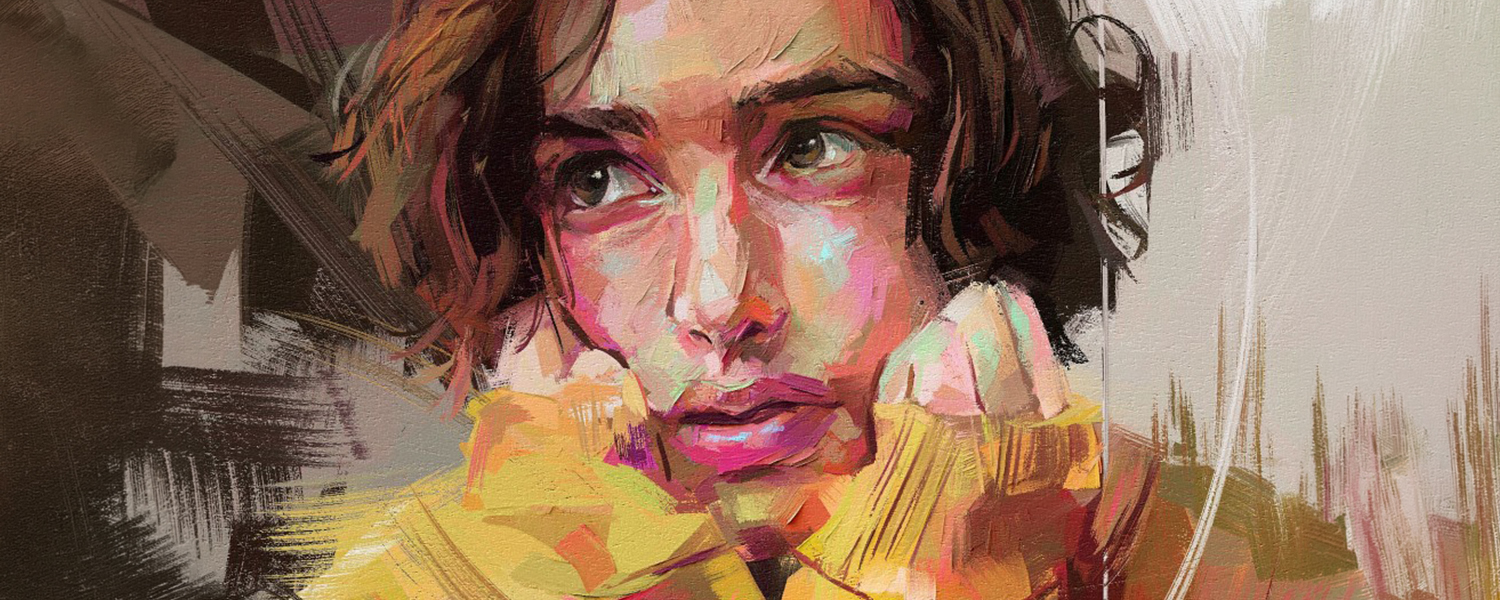
Cover Image by Rebelle Featured Artist Dhabitah Kamarudin

What do you think?
0 Responses
0
Upvote
0
Funny
0
Love
0
Surprised
0
Angry
0
Sad
Sign in to comment!
Be the first to comment.