
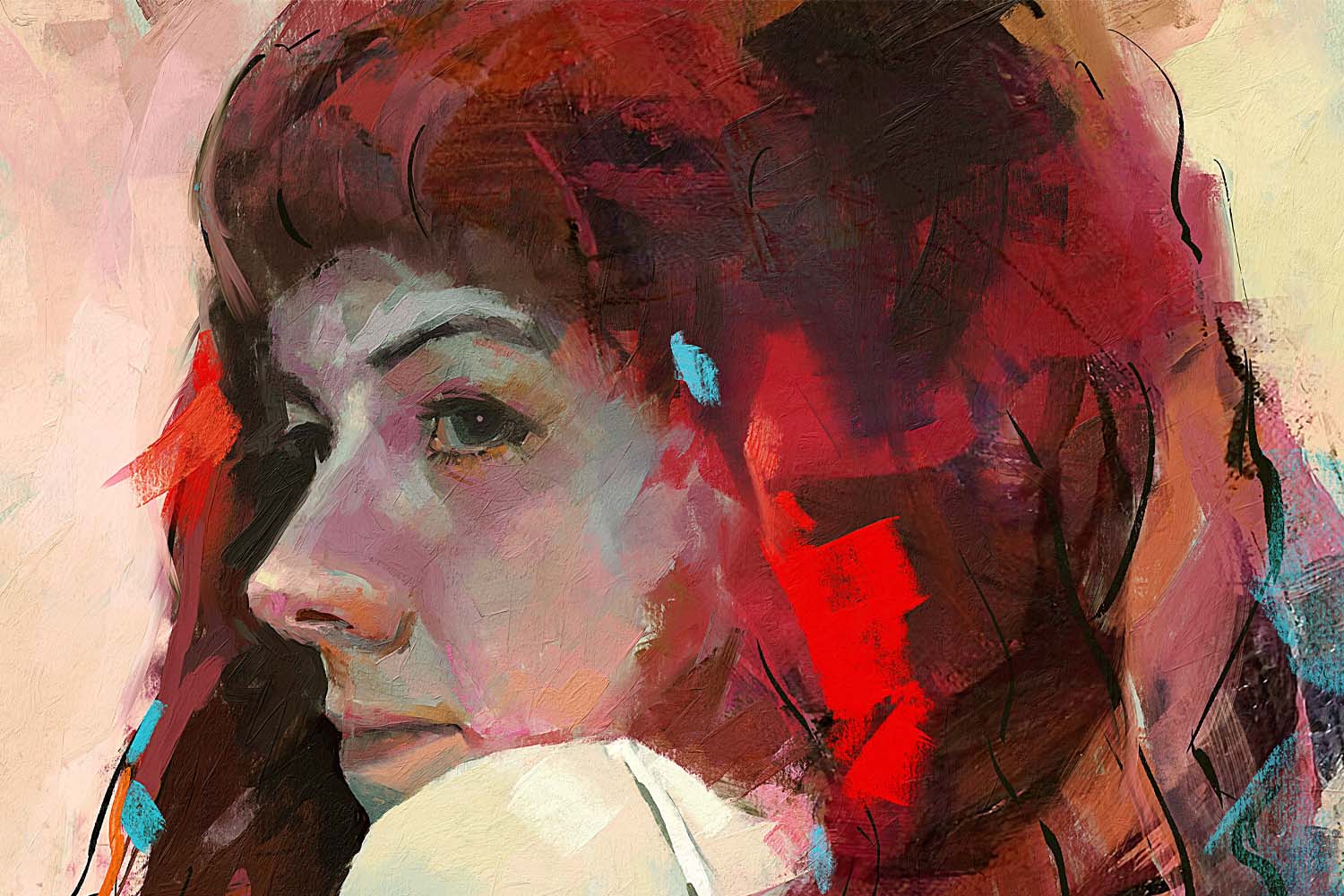

Dear fans and friends, we are pleased to announce that from today you can pre-purchase Rebelle - an amazingly realistic watercolor and acrylic painting tool.
Be among the first people in the galaxy who can try our brand new tool for artists and get early access to Rebelle’s powerful features with a 33% discount:
Regular price: $59.99 | Pre-purchase: $39.99
The special price is valid until the full version’s release in May.
Watercolor is one of the most difficult painting techniques and it is tough to simulate its effects in the digital world, but after more than a year of prototyping and experimenting Rebelle handles this beautifully:
Rebelle is released as a beta 0.5.0 version. The number suggests that it is not a final release. The application has already gone through a one-month-long technical beta test and today we have a stable version with most of the critical bugs already fixed. We are planning to release the final version in May and users who pre-purchase the application now will already have access to all core features at no further costs.
What will you get with Rebelle’s pre-purchase?
- Chance to try out this unique tool among the first ones
- All updates including the full version
- Extended money-back guarantee: if Rebelle does not meet your expectations, you can ask for a refund also within 30 days after the full version is released
- News about implemented features, bug fixes and other
- Opportunity to share your ideas and suggestions which may get into the full version
- and discount 33%.
Discover already implemented features
- Unique watercolor algorithm
- Painting tools – paintbrush, wet brush, dry brush, smear, blend, tilt canvas and more
- Color palettes with custom colors and Color Picker with a special Mix mode
- Beautiful paper textures
- Unlimited layers with 23 layer blending modes
- Wacom tablet support
- Intuitive interface
- Commercial license - you can already use your artworks for commercial purposes
Read more about Rebelle’s tools and features in our previous blog post. A list of features we’d like to implement can be found on our website.
System requirements
Minimal: Intel i3 or equivalent AMD processor, 4GB RAM, 50MB hard disk space, Open GL graphics card with 1GB RAM, 64-bit system Windows XP, Vista or Mac OS X 10.7 - on these configurations watercolor simulation may work slower, faster processor and more memory are preferable. We will release a 32-bit version for Windows later.
Recommended: Intel i7 or equivalent AMD processor, 16GB RAM, 50MB hard disk space, Open GL graphics card with 2GB RAM, 64-bit system Windows 7, 8 or Mac OS X 10.9, 10.10, Wacom tablet
Note: If the watercolor flow is slow or the painting cursor is lagging, press the “Fast Dry” button in the Layers panel. It will dry the painting and you can paint faster. This bug will be fixed in the next version.
Not sure if Rebelle will work on your system? Try out the free Demo version.
You are very welcome to share your feedback on Rebelle with us. Your support is the most valuable component of our success and we depend on it. You can report a bug, suggest a feature or show us some love at our email address support [at] escapemotions.com ☺
We hope Rebelle will be a perfect fit for your arsenal of artistic tools!
Your Escape Motions Team

What do you think?
0 Responses
0
Upvote
0
Funny
0
Love
0
Surprised
0
Angry
0
Sad
Sign in to comment!
Effects look amazing. Will there be the ability to import images such as scanned pencil drawings in order to colour them with Rebelle?
how about color picker that works on any spot of screen, not just R.
also artist palettes. make them and save them.
a palette should have mixing areas, maybe tools
Hello @ric_vn6768:disqus,
thanks for the idea for color picker. Regarding the custom palettes - users will be able to add and save their own palettes in the full version.
Peter
Based on my experience with Flame Painter, Amberlight and Escape Motions in general, this was an easy decision. Thanks for the opportunity to order early with some savings. Version 0.5.0 shows a lot of promise. I'm really looking forward the official release.
Hi Gde,
thanks for your kind feedback! I hope you enjoy Rebelle's features so far. We are working hard on the full version, implementing necessary features etc :)
Cheers,
Peter
1- Can we define which parameters will be change with the pressure of wacom? (size, opacity etc).
2- There will be tilt support? In real world with tilted brush you paint bigger area without changing the brush size.
3- When using photoshop, brush size can be changed interactively, pressing control+alt (mac) and dragging left or right. It can be useful with rebelle.
Thank you for the suggestions!
1. sure, this all will be available in full version
2. we'll consider it for future updates
3. good point. in this version you can change the brush size using []
In Turkish keyboard there aren't [ and ], instead ğ and ü. With PS I can redefine keyboard shortcuts [ to ğ and ] to ü. But with Rebelle I can't use this shortcuts.
Yes, sure, I'd like to include option to redefine shortcuts in the Preferences in the future
Will this be available on the Mac App Store like your other software?
Hello Denise,
the full version of Rebelle will be available in Mac App Store. We'd like to release it in May.
I had a blast just using the demo. Bought it - Love it and very pleased with the results and intuitive use. A really fun and unusual program indeed!
Echo -
p.s. I bought mine thru the Demo links and I too was brought to Amberlight.
@ Paul - Your images created with it are lovely. Like the flame very much!
Hello Echo,
thanks, all fixed now.
Wish you many creative days with Rebelle! :)
What a delicious simulation! Congratulations, Peter, you've done it again! (BTW, the order confirmation refers to Amberlight instead of Rebelle.)
I haven't even done any serious art with it yet, but already it's producing amazing results. It's an inspiration to develop watercolor technique, but without the mess. (Of course, the mess is kinda fun in its own right...)
Hello Claudius,
could you please let me know which order confirmation do you refer to? We'd like to fix this asap. You send us email to support [at] escapemotions.com or reply here.
Thanks!
All fixed now, thanks!
Hi Peter,
Sorry I couldn't get back to you in time!
I've added my first watercolor "Dunes" to the Flame Painter gallery.
Hi Paul,
great artwork! Thank you very much for posting. We'll create direct publish option from Rebelle in one of the future updates.
Here's my first attempt: http://compliance.socdir.co...
I have a request. When following tutorials, the tutor will mention certain standard watercolor pigments, e.g. "Scarlet Lake" RGB 234, 61, 65. It would be great if the custom colors in the pane could include the most common watercolor names. The RGB values for the different colors can be found here: http://www.art-paints.com/P... If you like I can compile the table and send it to you on the support system. Maybe have an additional minimized pane in the software with all (or most of) the W & N tints to click on? It would take me forever to create my own custom colors, why not benefit all users and include it in the software package? Let me know.
Hello Paul,
Great! If you are still interested, please send us the table with the watercolor names and their RGB values to our email support [at] escapemotions.com.
Thank you!
Just purchased it! can't wait to try this out!!! yaay!
Let's see your creations! - Peter, have you got a showcase for our masterpieces?
I was going to ask for the ability to paint on glass, but it's already there, just make the canvas layer invisible. With Flame Painter you can create fantastic pictures with no talent, but this software requires the artist's skill, making it both challenging but also immensely satisfying. This program is seriously inexpensive for what it can do. Buy it NOW before the author comes to his senses.
Thanks for your first feedback Paul, you are great! :)
Don't worry about the world ending today ... it's already tomorrow in New Zealand!!!
I think I must be the first person in the world to purchase this software.
Am I second? ????
Must be. I'm going to have to enrol in watercolor classes now. All I'm producing now is muddy messes. I'll start with Youtube.
Maybe good to let your customers know that the software only works with a 64-bit system.
Yes, it's there and also in the newsletter we're going to send out soon. We'll of course build 32-bit version for Windows too, but a bit later, after the app is more optimized.
Hi, I will be using the software on an older Windows XP system. When I upgrade in the next few months, will I be able to transport the software to the new computer, or will I have to pay for it again? I'm going to buy it as soon as I finish this post - looking forward to it very much!
All users who pre-purchase Rebelle will receive the full version at no further costs. The discount is a special price for those who want to try the new tool among first ones. We hope you like it! :)